Users, Shares, Servers, and Websites with a risk score greater than zero are displayed in a list located at the right side. The entities are listed according to their Risk Scores in descending order.
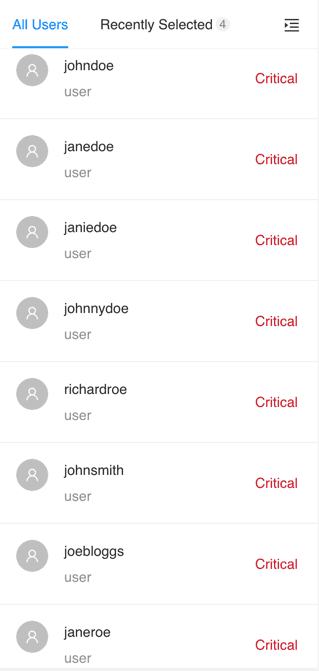
Entity Overview
Hover over the risk level to view the risk score.
Click the menu open icon to hide Entity Overview, and click again to view.
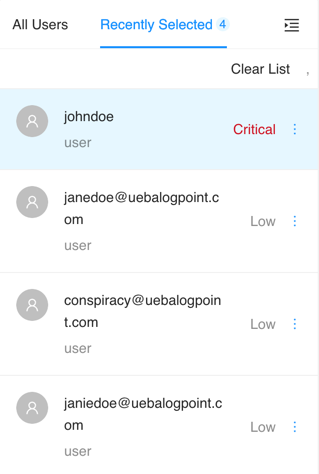
Recently Selected Entities
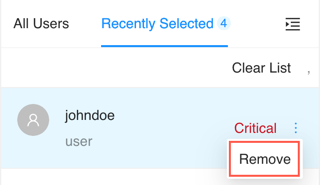
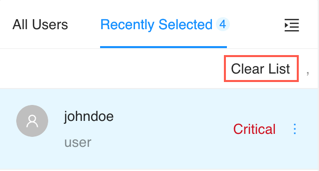
Remove the entities’ names from the Recently Selected tab.
All <Entities> displays the highest risk level and the risk score of the entity in the selected date-range.
 ) icon and click Remove.